4.1 Check Delivery Results
Delivery result list
Open Broadcasts to check the delivery start and completion times.
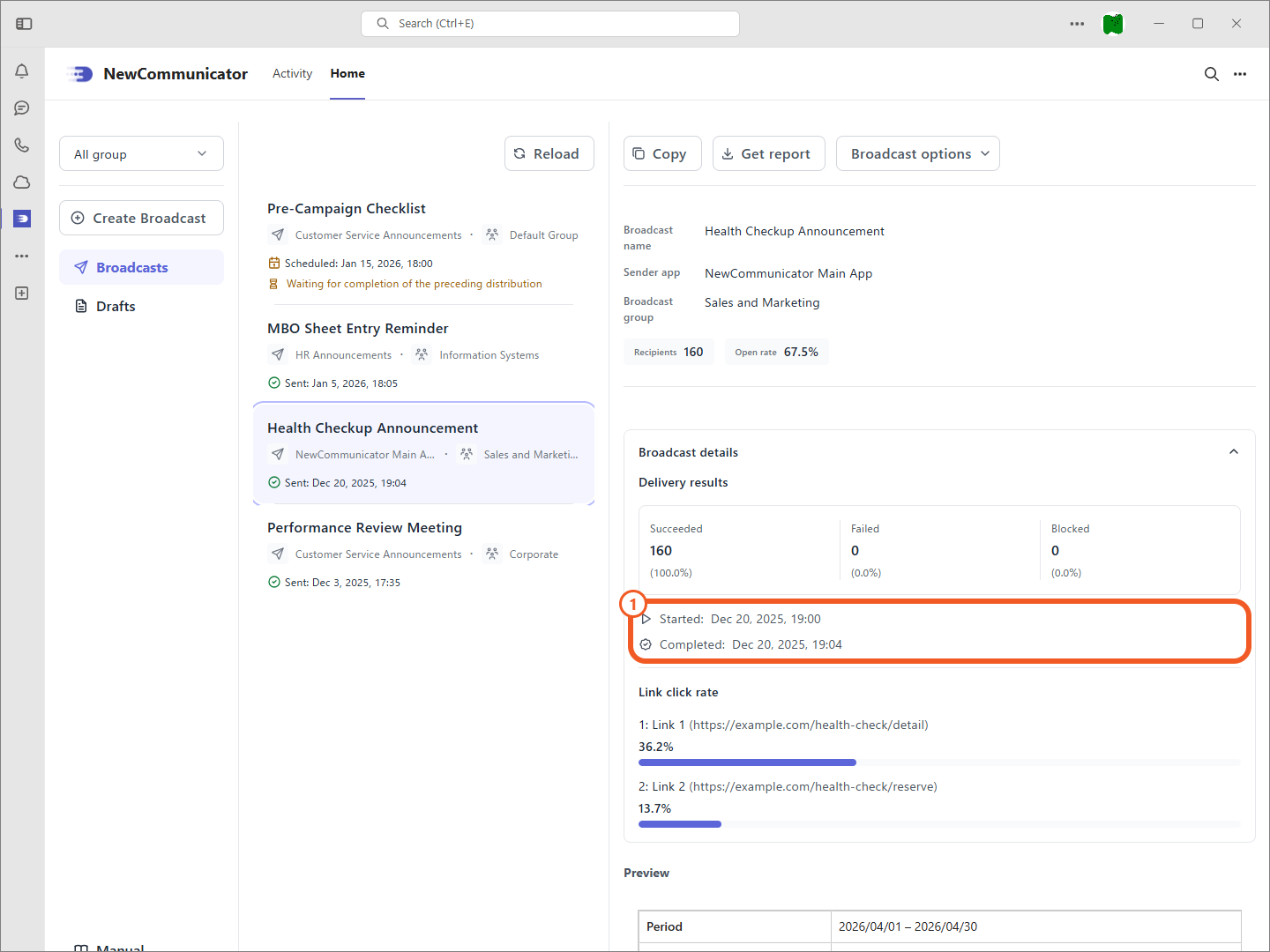
Delivery details
Select a sent broadcast to open Broadcast details and check the number of recipients, successful, failed, and blocked deliveries, open rate, click rate for links embedded in the broadcast, and click rate for the button link at the bottom.
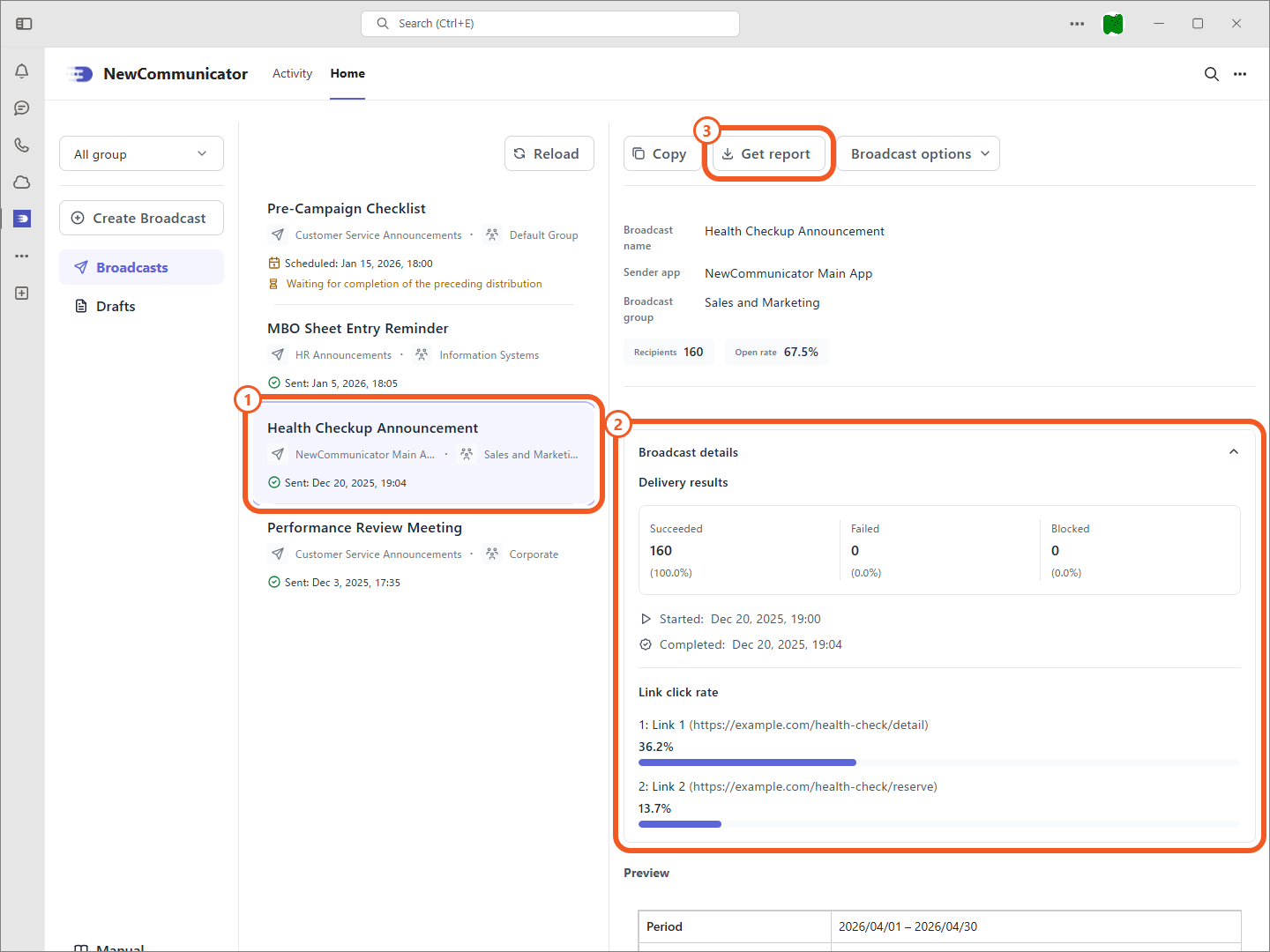
Get a report
Select Get report to download detailed delivery results as a CSV file.
The report includes the following fields:
| CSV column | Description |
|---|---|
userObjectId | User ObjectID |
upn | User name |
email | Email address |
result | Delivery result |
blocked | App block status |
errorCode | Delivery error |
completedAt | Delivery completion time |
openedAt | Open time |
link1ClickedAt–link5ClickedAt | Time each tracked URL was clicked (only columns for tracked links are included) |
Link tracking covers seven days after the broadcast is sent. Actions from the eighth day onward are not tracked.