4 Destination Display Restriction List
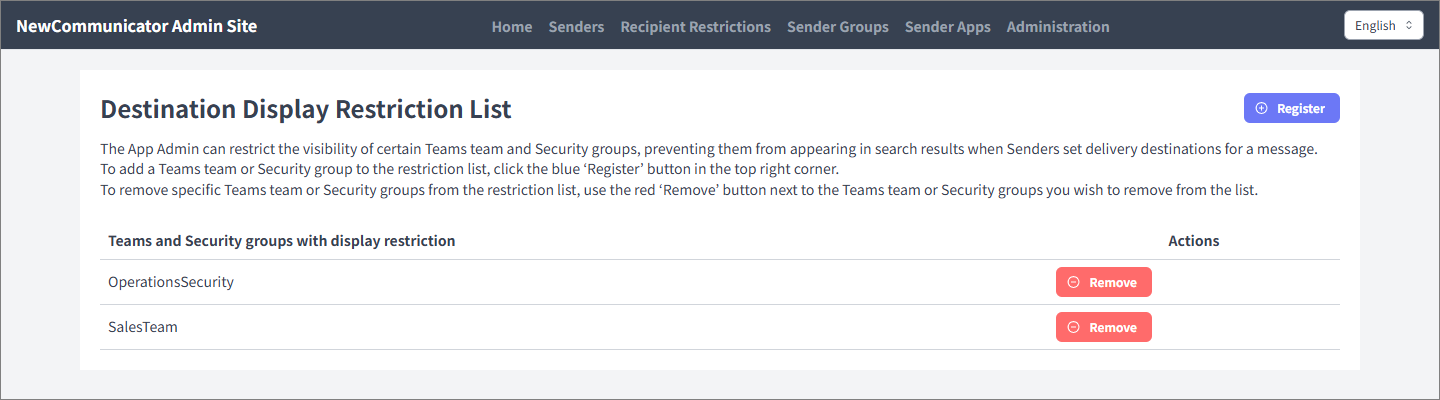
You can prevent specific Teams teams or security groups from appearing in recipient search results. When senders select recipients while creating a broadcast, registered teams and groups do not appear in the search results.
Register a visibility restriction
- Open Destination Display Restriction List as an app administrator.
- Select Register.
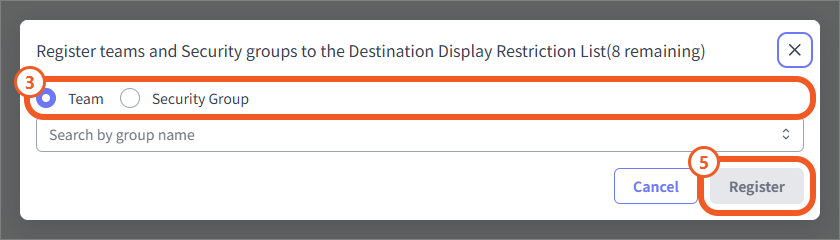
- Select Team or Security group.
- Search by group name and select the target.
- Select Register.
Check registered restrictions
Registered Teams teams and security groups appear in the list. If a visibility restriction is no longer needed, delete the target from the list.